[SOUS — UX/UI, MOBILE]
Simplifying Grocery & Food
Management Through AI
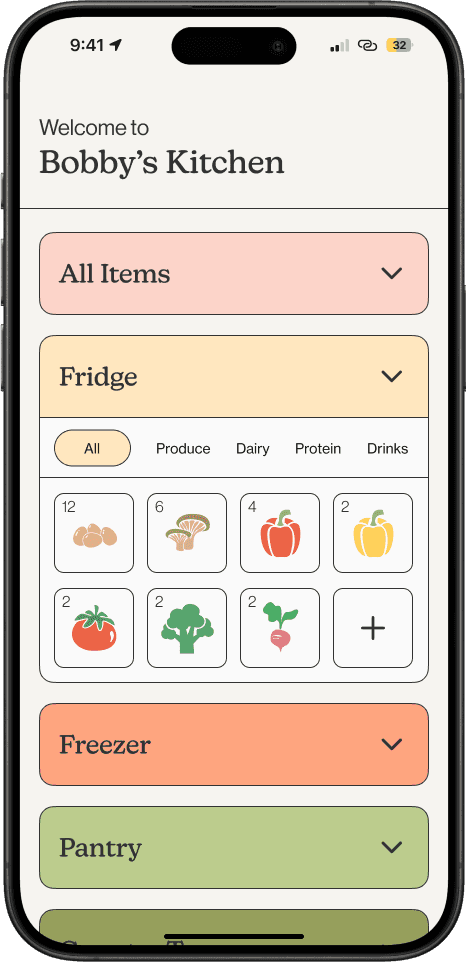
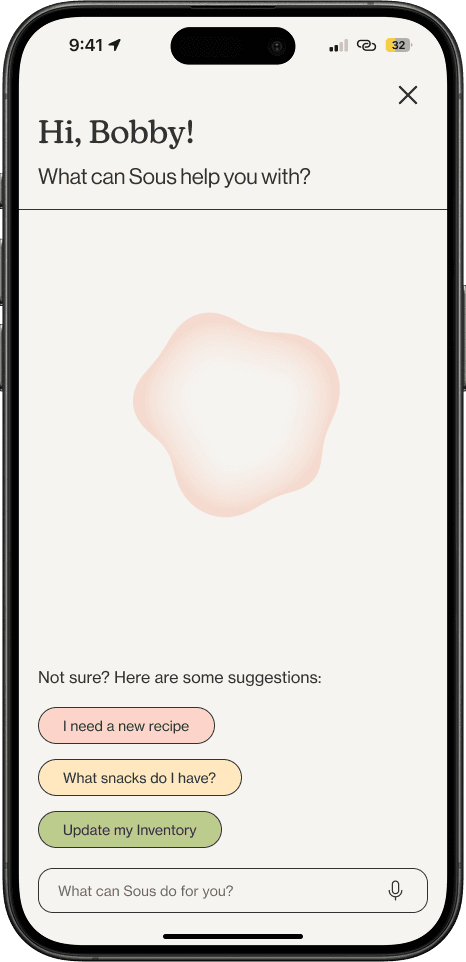
Whether you're at home or on your way to the grocery store, Sous is at your command and ready to help you stay organize with your groceries with integrated AI.

TEAM
Ava Maciulewski
Cindy Te
Robyn Wight
Steve Wu
SCOPE
UX/UI
Mobile Design
INDIVIDUAL ROLE
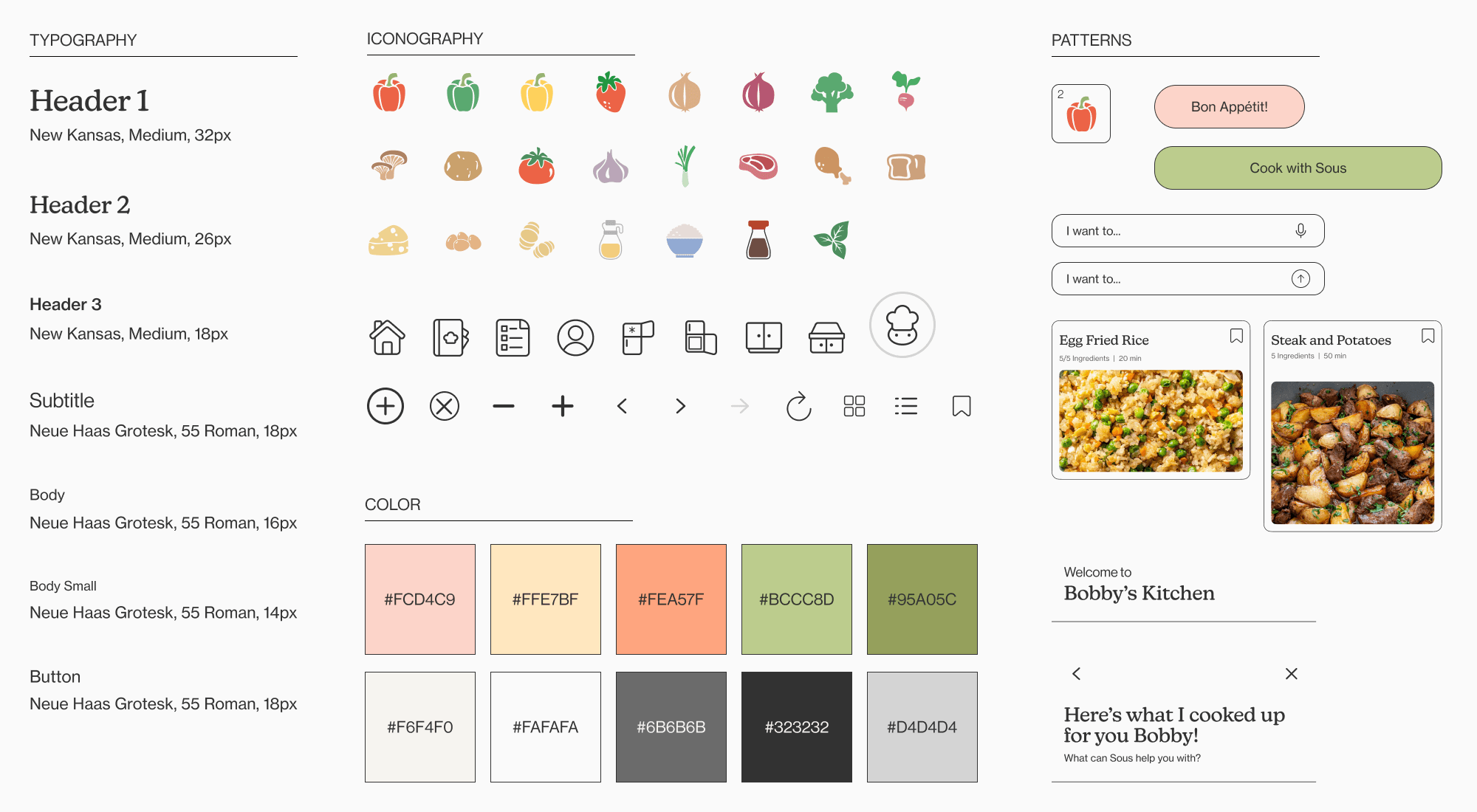
I focused on creating the design system, icon illustrations, and main user flows.
[PROBLEM SPACE]
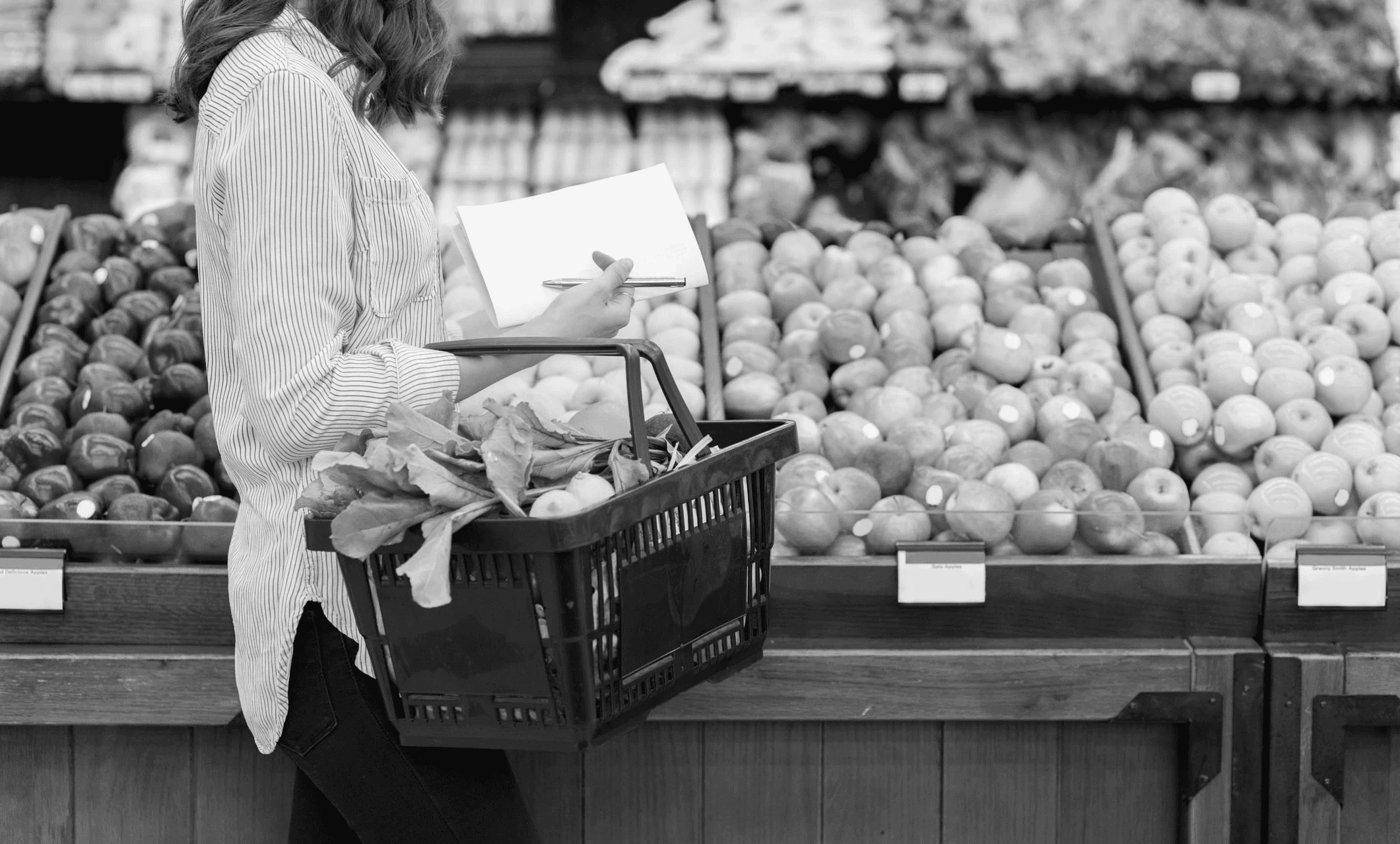
Behind every grocery run is a personal system — and a lot more effort than we realize.
Grocery shopping is a personal experience, yet most existing solutions treat it as one-size-fits-all. People use different methods to plan, browse, and decide — and when tools don’t support those differences, shopping can become time-consuming and inefficient.
[RESEARCH]
Understanding the college grocery experience
We set out to identify common grocery shopping challenges among college students aged 18–25. We recognized that grocery shopping is a common challenge in this demographic — especially for those living away from home for the first time.
To identify the challenges these students faced, we used three rapid research methods with nine participants.

Observation
To get a general idea of, we took note of common patterns of not just our participants, but also other shoppers.
Shadowing
We followed our participants closely to see how they selected their groceries.
Interviews
To gain a deeper understanding of how people shop and their process, we talked to 4 of our 9 participants.
[FINDINGS]
So what makes something as easy as buying food difficult?
No Time -> Wasted Time
Busy shoppers who cannot afford the time to plan their grocery trips can often spend more time than intended in-store, forget essential items, or purchase things they don’t need.
Preparation
Those who were at least slightly prepared to shop were able to ease their experience. Preparation typically includes creating shopping lists based on items they already have or need.
Decision Making
Before shoppers can even begin to prepare for their grocery run, they must make decisions on what items they need to buy. It might be easier to make decisions for common items, but new or unfamiliar items create a challenge.
[OPPORTUNITY]
How might we design a system that helps people better manage their time by streamlining their grocery management?
[IDEATION]
Grocery shopping as a 3 step process
As we were sketching ideas for what our product may be, we noticed that most of our ideas fell into 3 categories that we believe each represents a different step of grocery shopping experience as a whole: management, research, and finally the shopping stage.
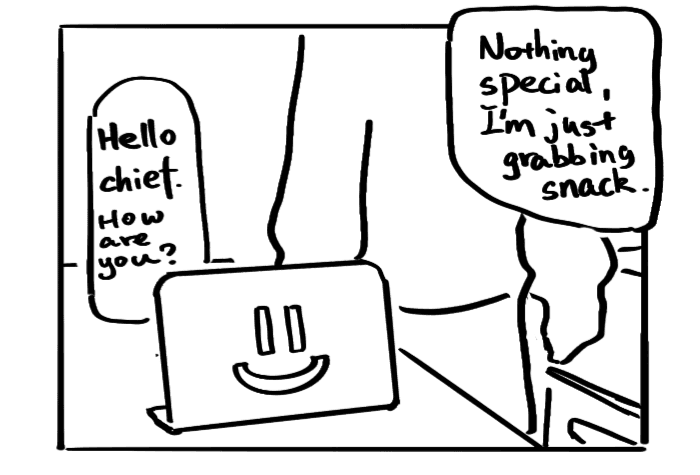
Management
The first step of the process takes place at home when grocery shoppers take a look into their kitchen, checking on what items that have or are missing.

Research
Based on what items they have or don't have, shoppers will look into the items they need. This is typically for unfamiliar items, or items in a new recipe.

Shopping
Finally, shopping at the grocery store.
[DIRECTION]
Grocery Assistant App
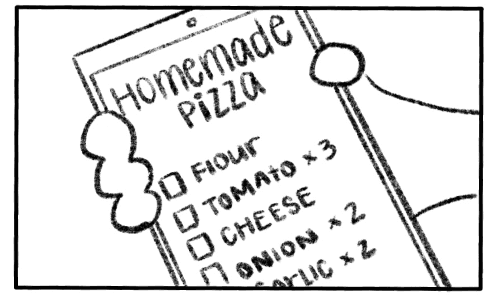
Based on our insights and concepts from ideation, we decided to integrate the strongest features from each concept into a single app aimed at making the grocery shopping experience simple and accessible.
[FINAL DESIGN]

Meet Sous, Your Personal Sous Chef
The sous chef devoted to helping you plan your grocery runs and kitchen management. Sous is always listening and ready to be at your command. Whether you’re out shopping, cooking, or have your hands full, just talk to Sous for a hands-free experience.
[THE INVENTORY]
Check everything available in your kitchen
Sous will help you keep track of the food that you have on hand. The inventory can easily be updated with a scan of a receipt (or manual input is okay too). your hands full, just talk to Sous for a hands-free experience.
[CURATED RECIPES]
Unique recipes just for you
Since Sous already knows what's in your kitchen inventory, Sous can also whip up unique recipes using the ingredients you have available.
[COOK MODE]
Cook with Sous!
In Cook Mode, you can either follow a recipe by text or cook with Sous. You can use step-by-step instructions along with AI-generated cooking videos for your recipes to ensure a delicious meal!
[ADDITIONAL SCREENS]

Grocery List
Create and edit your grocery lists manually or ask Sous for help.

Recipe Book
All your recipes are saved here.
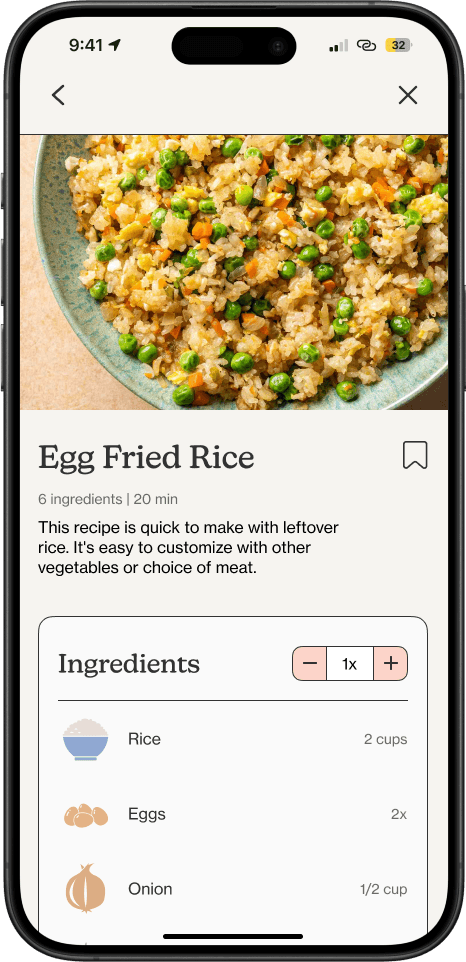
Recipe Page
Learn how to cook new or old recipes in recipe pages.
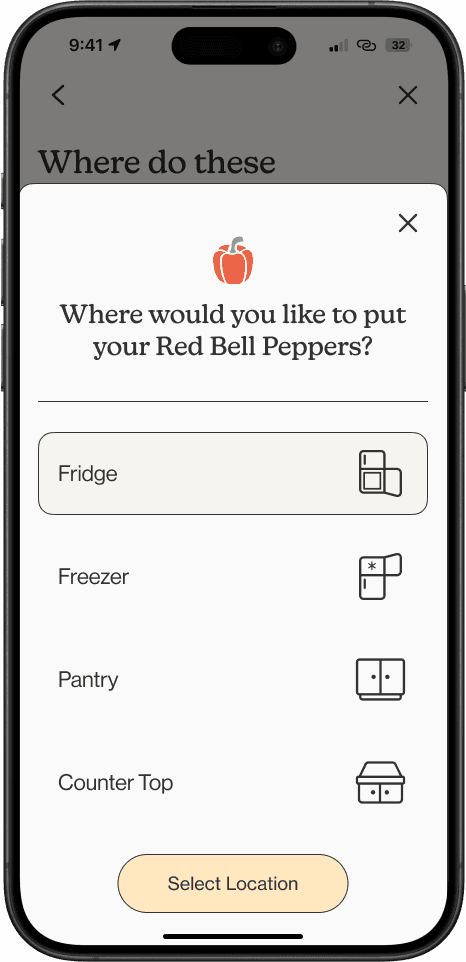
Inventory Organization
To keep your kitchen organized, Sous will prompt you to select a storage location for new groceries.
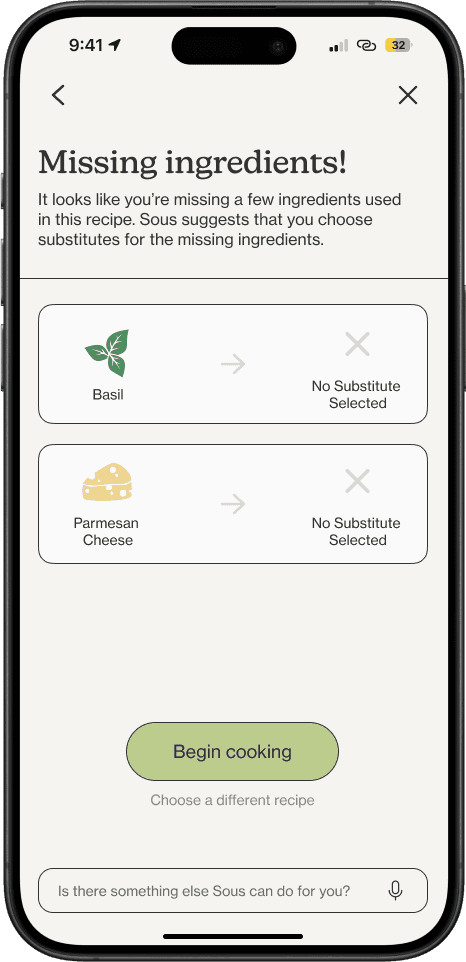
Missing Ingredients
Before cooking, Sous will make sure you have the all necessary ingredients in the recipe.
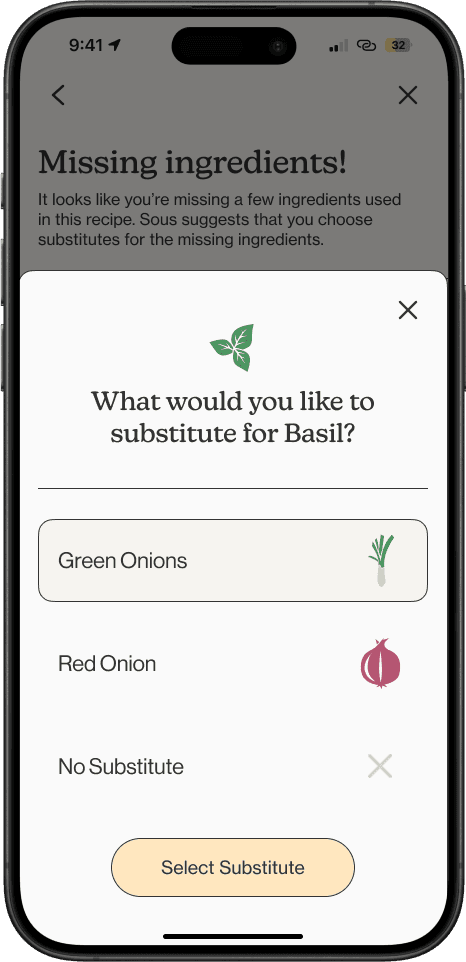
Substitutions
If you don't have all the ingredients, Sous will suggest substitutions.
[REFLECTION + NEXT STEPS]
How can Sous be smarter?
Thinking Through User Flows
While the concept of this project was simple, what made it challenging was thinking through the steps it takes to make it work and make sense, especially when AI is involved.
Expanding to Other Platforms
If given more time, there is an opportunity to explore how this product could translate to different interfaces, or products that are more contextual.
Usability Testing
What are some scenarios that users might encounter when using Sous AI, and how can usability issues be handled?
[INTERESTED IN MORE?]
